
Do your busy calendars and endless meeting invites get in the way of getting stuff done?
You need time blocking.
Discover how to use this crucial productivity tool to enhance your life and get more done both at home and at work.
What is Time Blocking
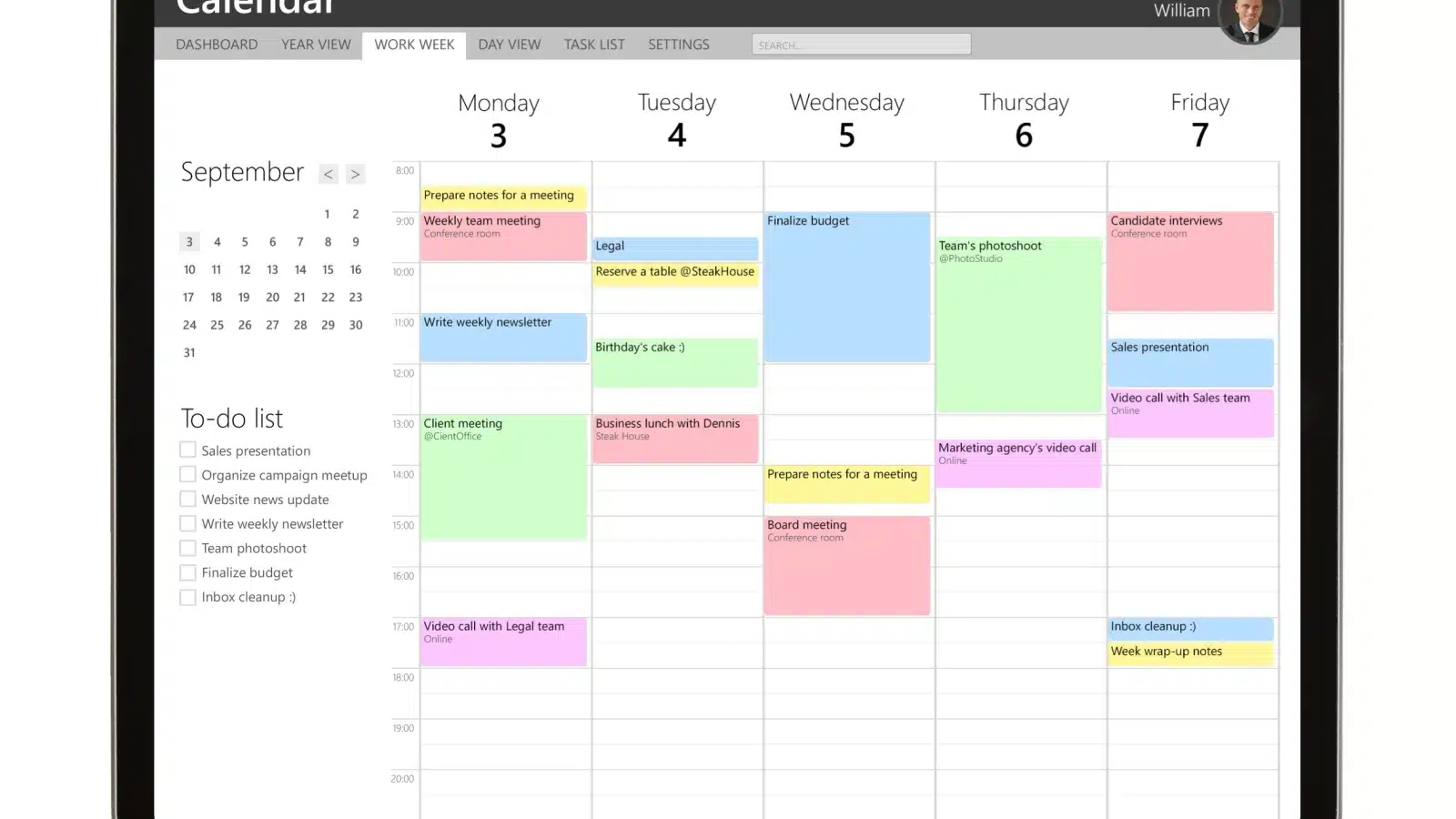
Time blocking is a time management technique that helps you manage your schedule and accomplish more.
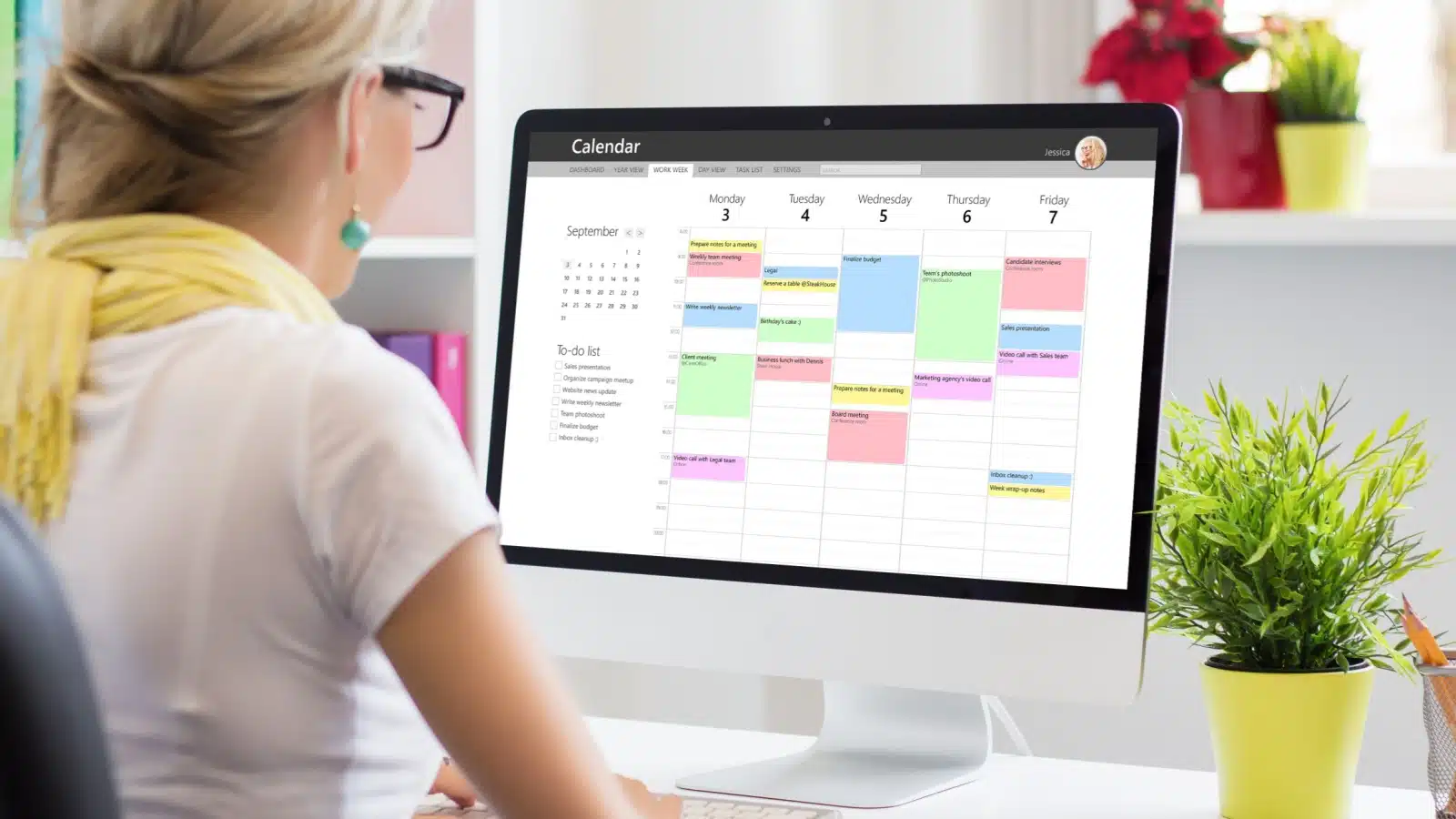
With time blocking, you carve out blocks of time on your calendar to work on projects. Your calendar looks full because you preplanned what you will work on for every hour of every day.
How Does Time Blocking Work

Time blocking works because it provides a specific quantity of time for working on projects. Procrastinators always find reasons to put something off, but if you get a reminder that you have to do the thing at 2 pm, your brain is more willing to focus on the thing at that time.
It also helps you get more done by providing an endpoint. You must stop working on the thing at 3, because you have something else to do. It’s easier to focus on something when you only have a defined amount of time for it.
The scheduled start and stop times help your brain deep focus on the project for the allotted time.
I love time blocking because it fills my calendar. In a world where I get random meeting invites about a wide variety of topics, it’s nice to block time off to focus on my actual projects. I’d never get things done if I always kept my full calendar open!
Time Blocking vs Time Boxing
Time blocking is very similar to its sister productivity tool, time boxing. The difference is that time blocking is more general, giving you a large block of time for a project, while time boxing is very specific, giving you small increments of time for each individual task.
For example, you might block two hours of your time to focus on decluttering your inbox, while you would time-box 10 minutes to reply to each email.
Tips to Successfully Block Your Time

Are you ready to try time blocking to get more done? Use these tips to make the most of it and slay your to-do list!
Decide When to Plan Your Time Blocks

Some people can set their schedules for the full week, while others might have to go day by day. Decide which method works best for you and your work.
If you’re constantly working on long-term projects for weeks at a time, a weekly (or even monthly) time block schedule might work better. If your work changes every day, you might need to time block every day to account for shifting priorities.
Those in dynamic industries may want to time block for part of the week, while leaving room available for changes and new projects that pop up.
Decide which time frame works best, and allow yourself to make adjustments if needed.
Consider Your Peak Productivity Times

Time blocking helps you focus and get more done, so consider blocking time for your most vital projects when you’re at your peak productivity.
I’m a morning person, and my brain works best from the time I wake up until about 11, when I start to feel the lunchtime hunger pangs. Therefore, I block time in the morning to work on projects requiring the most brain energy. I leave time in the afternoon for simpler tasks, like responding to emails or returning phone calls.
Everyone is different. Some folks are more productive in the evening, while others get a burst of energy after eating in the afternoon. Block your time in a way that makes sense for your needs.
Determine Your Essential Tasks

The point of time blocking is to set aside time to focus on your biggest projects, so you must figure out what those are.
What major projects need 1-2 hours of deep focus? When should you block those in?
Next, consider the projects you hate. Block time out, demanding that your brain focus on those dreaded tasks. Having a dedicated ending point will help you focus on the task you loathe.
Leave Room for Meetings

With time blocking, you’re supposed to “block out” every hour of your calendar, so you know what to do and what to expect each day. But if you have a job with lots of pop-up meetings, you can’t block your entire calendar. You must leave room for people to schedule meetings with you.
I leave a few hours per week open, so people can schedule things with me if they need to. This way, I don’t have to rearrange my entire schedule to make room when someone inevitably needs to meet with me.
Keep it Flexible

New projects pop up all the time, and priorities change. Don’t get so stuck on your blocked time that you can’t move things around to make room for your boss’s newest pet project.
Allow yourself wiggle room in your calendar, and don’t fret if you have to change an entire day’s time blocking to focus on something else.
Block out Personal Time

Every employee is allowed 15-minute breaks and lunch breaks. Account for them in your calendar!
If your 30-minute lunch is the only free spot in your calendar, you can bet that someone will schedule a meeting during it. Avoid that by blocking the time.
Time blocking isn’t just for workers. It’s for home management too, and there, it’s even more essential to block out you time.
Add in time for self-care and entertainment to ensure you’re taking care of yourself along with everyone else.
Set Reminders

Reminders give you a 15-minute warning when it’s time to shift focus, which works great for folks who struggle to move on from a task or project.
These warnings let us know it’s time to wrap up what we were working on so we can move on to the next thing.
More Productivity Tools

Time blocking is just one of many techniques for boosting productivity. If you struggle to set priorities and focus on crucial projects, it’s worth a try, but it doesn’t work for everyone.
Try it, see how it works, tweak it to your needs, and drop it if it’s causing more harm than good. A great productivity tool only works if it works for you.