
If you want to explore Hyrule or battle Bowser, you need a Nintendo Switch. But what if you want to livestream your gameplay?
While Xbox and PlayStation offer built-in streaming capabilities, the Nintendo Switch does not. And while crafty streamers can engineer solutions, most of us need a capture card to stream from a Nintendo Switch.
Never fear. We’re bringing you the best capture cards for Switch streamers so you can go live and share your adventures with the world.
Do You Need a Capture Card for Switch?
Yes.
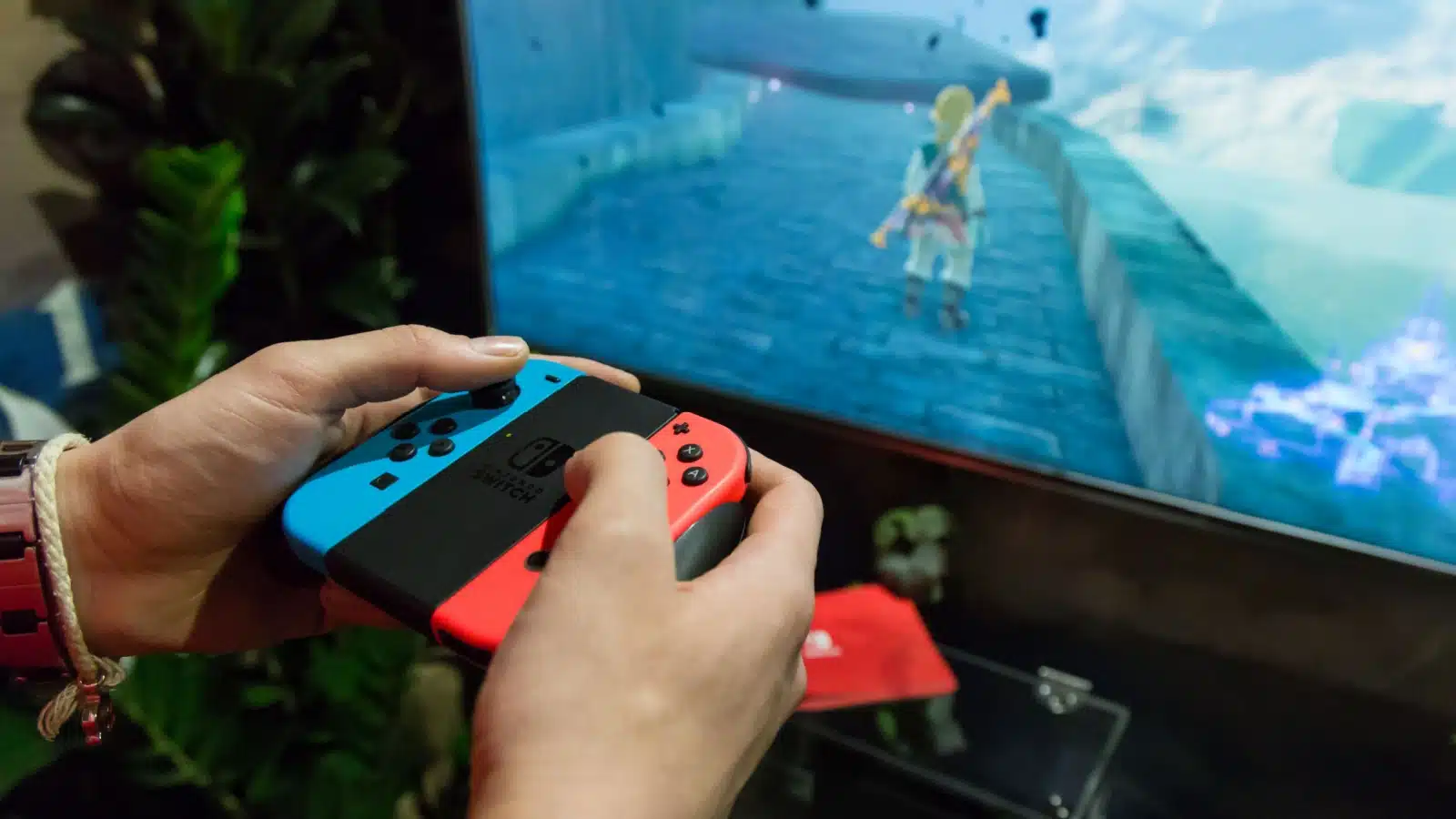
A capture card “captures” game audio and video, converts it to digital, and transmits it to another device, like your computer. Once on your computer, you can stream it to your audience.
Because the Nintendo Switch does not offer any built-in streaming programs, most players will need a capture card to livestream.
Can You Stream from A Nintendo Switch Without a Capture Card?
Notice I said “most.”
Tech-savvy streamers with multiple devices have devised clever workarounds.
I have a friend who hooked his Nintendo Switch up to his Xbox One and used the Xbox’s streaming capabilities to live-stream his Nintendo Switch gameplay.
This workaround was obviously not intended by the makers of either system, but his streams do work. There may be other creative solutions out there as well.
However, you shouldn’t do something just because you can.
Since it’s not an intended function, it’s probably better to get a capture card.
How Does a Capture Card Work on Switch?
Capture cards are input devices that grab the game footage from your console and transfer it to your computer. It converts the signals into digital data, which your computer can encode. The encoded data can then be recorded or streamed to another platform.
The mechanics of how it works are extremely technical, but we don’t need to know that part. We only need to know that if we hook up the HDMI input cable from the console to the capture card and the HDMI output from the capture card to the computer, we can record and stream our video content.
Each capture card connects a tiny bit differently, so follow the instructions on the box when you hook it up for proper functioning.
The Best Capture Card for Switch Streamers
The best capture card for Switch streamers depends on your answer to a crucial question:
Are you streaming from a laptop or a desktop PC?
Internal vs. External Capture Cards

Marinamiltusova2250 via Shutterstock.com.
If you are streaming from a desktop, you may already have a built-in capture card, called an internal capture card.
Check your desktop PC’s specifications to find out if you have one. If you don’t (or if you have one that’s not so great), you can install one yourself, or opt for an external one with a relatively easy setup.
Internal capture cards are usually faster, but external capture cards are easier to set up.
Laptops don’t have internal capture cards, so laptop streamers will need an external card.
The Best External Capture Card for the Nintendo Switch
Here are the best external capture cards for Switch streamers:
Hey folks! Transparency Disclosure- Some of the links in this article are affiliate links. That means I’ll receive a small commission if you decide to click on it and buy something. Don’t worry, it doesn’t cost you anything extra!
Elgato 4K X Capture Card
The next generation of Elgato capture cards is here!
The 4K X features 4K resolution (as the name implies) and a standard 144 frames per second (fps). That’s more than double our old favorite, the Elgato HD 60S.
If you have HDMI 2.1 support, you can get frame rates as high as 240fps!
Of course, the human eye can only see up to 60fps, so if you’re just streaming, you don’t need that much, but if you’re doing slow motion effects for YouTube videos or something like that, the higher frame rate can help.
Elgato’s 4K also features Variable Refresh Rate passthrough to ensure smooth gameplay and ultra-low latency with the USB 3.2 to keep everything synced.
It’s the best capture card from the best capture card company, and is sure to make any stream perfect.
The Runner Ups
Elgato Game Capture HD 60S
The Elgato Game Capture HD 60S may be outdated, but it’s still a great capture card. It features built-in software to help you get up and running and can capture up to 60 fps with a recording speed of up to 1080p.
Although 60 fps seems low compared to newer options, it’s what streamers relied on for years. If you need a great card for a little less than the Elgato 4K, the HD 60 S won’t fail you.
Razer Ripsaw HD
The Razer Ripsaw also boasts recording speeds of 1080p and a frame rate of 60 fps, but it does not have its own streaming software. However, if you use Streamlabs or OBS to stream, you probably don’t need it.
The biggest problem with Razer is that it can be particular. I typically stream using the Razer, and although it always eventually works, it sometimes takes some convincing.
I’ve had to unplug it and replug it numerous times to get it to work or completely restart my computer. Sometimes I have to reload the scene to get it to work. It’s impossible to tell if these issues arise from the card itself or from other streaming variables (computer settings, network speed, connectivity, etc.).
Despite the difficulties with setup, the Razer Ripsaw is a solid capture card and perfect for streamers who don’t want to spend big bucks on an Elgato.
Streamers who are more technologically savvy than I am would likely have fewer problems with it.
AVerMedia 4K60
If the Elgato and the Ripsaw are too expensive, consider AVerMedia’s 4K60 HDR capture device.
The low-end model captures in 1080 resolution at 60 FPS, all for less than $100. The higher-end modules offer improved VPR passthrough, which prevents latency, but at a lower FPS (30).
Avermedia makes quality capture cards and this is their most affordable option.
The Cheapest Capture Card for the Switch
Y&H HDMI Game Capture Card
If you are new to streaming and want to get started as cheaply as possible, check out the Y&H HDMI video capture device. It offers basic live stream capture and the standard 1080p recording.
It’s the only capture card available for less than $50, making it the perfect option for new streamers who don’t want to spend a lot of money getting started.
After you’ve been streaming for a while, you will likely want to upgrade to an Elgato. If you can afford it, starting with an Elgato is probably better.
Still, it’s understandable that you’d want to lower your costs as much as possible to see if you enjoy streaming and can make it profitable, and those who just stream for their friends and family may not want to go all out with the tech.
The Y&H is your best bet when streaming on a budget.
The Best Internal Capture Cards for the Switch
If you use a desktop PC for streaming, check out these great internal capture cards:
Elgato Game Capture 4K Pro
Elgato also tops the list for best internal capture cards for the Switch. It’s a solid brand well-known in the streaming world and consistently makes top-of-the-line hardware.
The 4K Pro captures at up to 240 fps in 1080 resolution. It features Variable Refresh Rate (VRR) passthrough which reduces latency, making for seamless gameplay.
You can connect the card to your PC using an open PCIe 2.0×4 slot.
AVerMedia Live Gamer 4K
The AverMedia Live Gamer 4K can also capture at a frame rate of up to 240fps. It also includes three preset modes of RGB lighting to help you create the perfect scene while streaming.
The hardware interface is the same as with Elgato (PCIe x4) making the AVerMedia a top choice if you need to save a few bucks.
Shop Capture Cards
Don’t see your perfect capture card for the Switch? Shop options at Best Buy!
What Else Do I Need to Stream from the Switch?
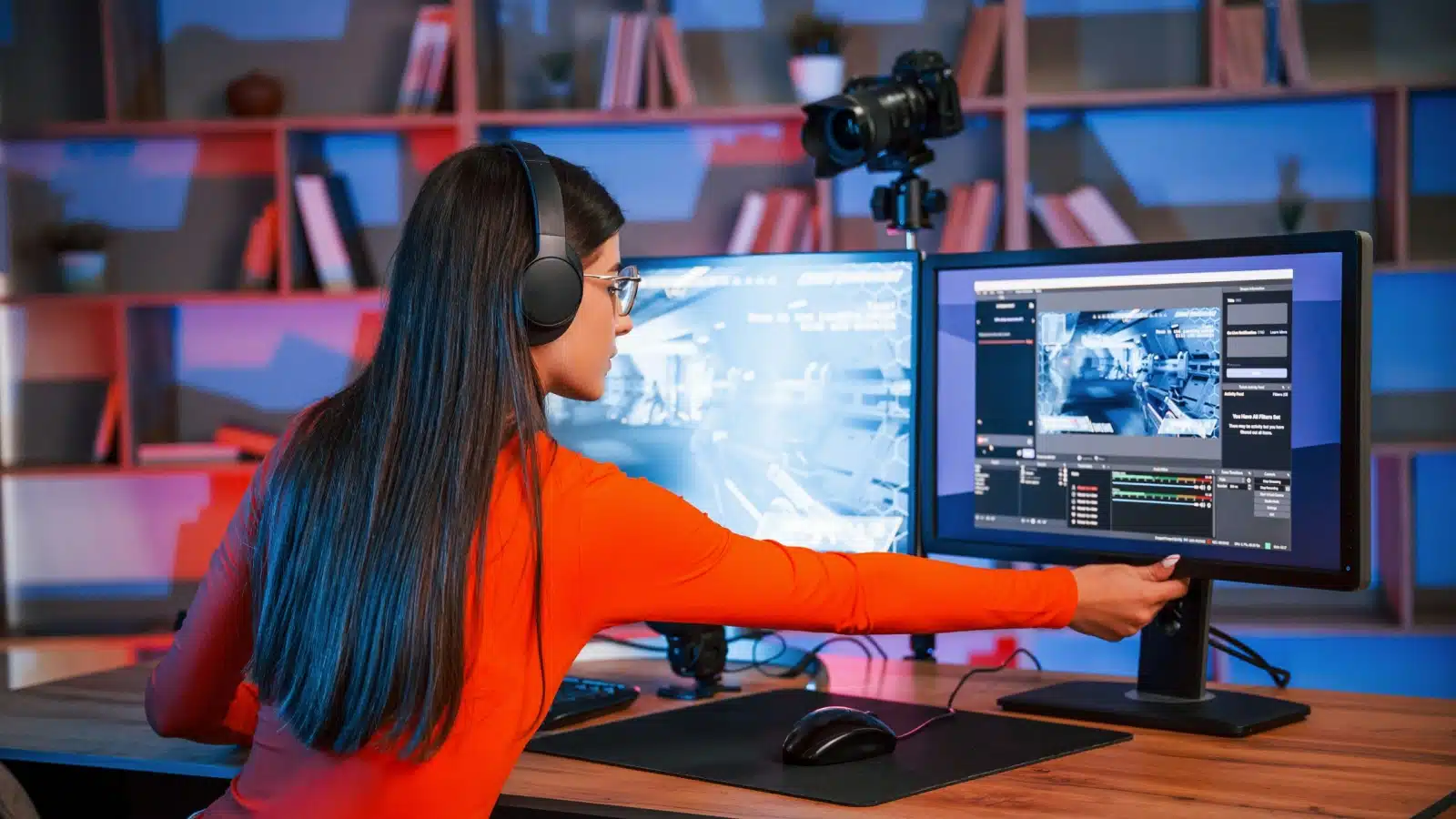
You need more than a capture card to be a successful streamer. While shopping hardware, you should also invest in a high quality microphone and webcam so viewers can see and hear you.
Next, you need the right streaming software. Platforms like OBS and Streamlabs OBS are the best for new streamers. They offer a lot of the basics for free, and help you create nice overlays for your stream.
Check out our guide to starting a Twitch stream for all the hardware and software you need to get started.
Happy Streaming!